 Quick MYO
How to record a story for a Yoto card
Record a bedtime story or message on your phone, or have a grandparent record one on theirs, and put it on a Yoto Make Your Own card. No computer needed.
Quick MYO puts a voice memo from your phone, or a WhatsApp voice message a grandparent sent you, onto a Yoto Make Your Own card: tap Share on the recording, choose Quick MYO, and it uploads to the card in the background. Quick MYO is an independent iPhone and Android app; it isn't made by or affiliated with Yoto. It's free for one card, and Quick MYO Plus, for every card, is a one-time $9.99 (US) with no subscription.
Updated
Record a story for a Yoto card
-
Record the memo
Use Voice Memos (iPhone) or your phone's recorder app (Android). Record in a quiet room and hold the phone about a hand's width from your mouth.
-
Trim if needed
Most recorder apps let you trim the start and end. Cut the fumbling at the beginning so the story starts right away.
-
Share the recording
Tap Share on the memo. Choose Quick MYO to send it straight to your card, or save it to Files to upload in the Yoto app or on Yoto's website.
-
Give it a title and icon
Voice memos arrive named like 'New Recording 12'. Rename it to something like 'Grandma reads Gruffalo' and pick an icon so your child can find it.
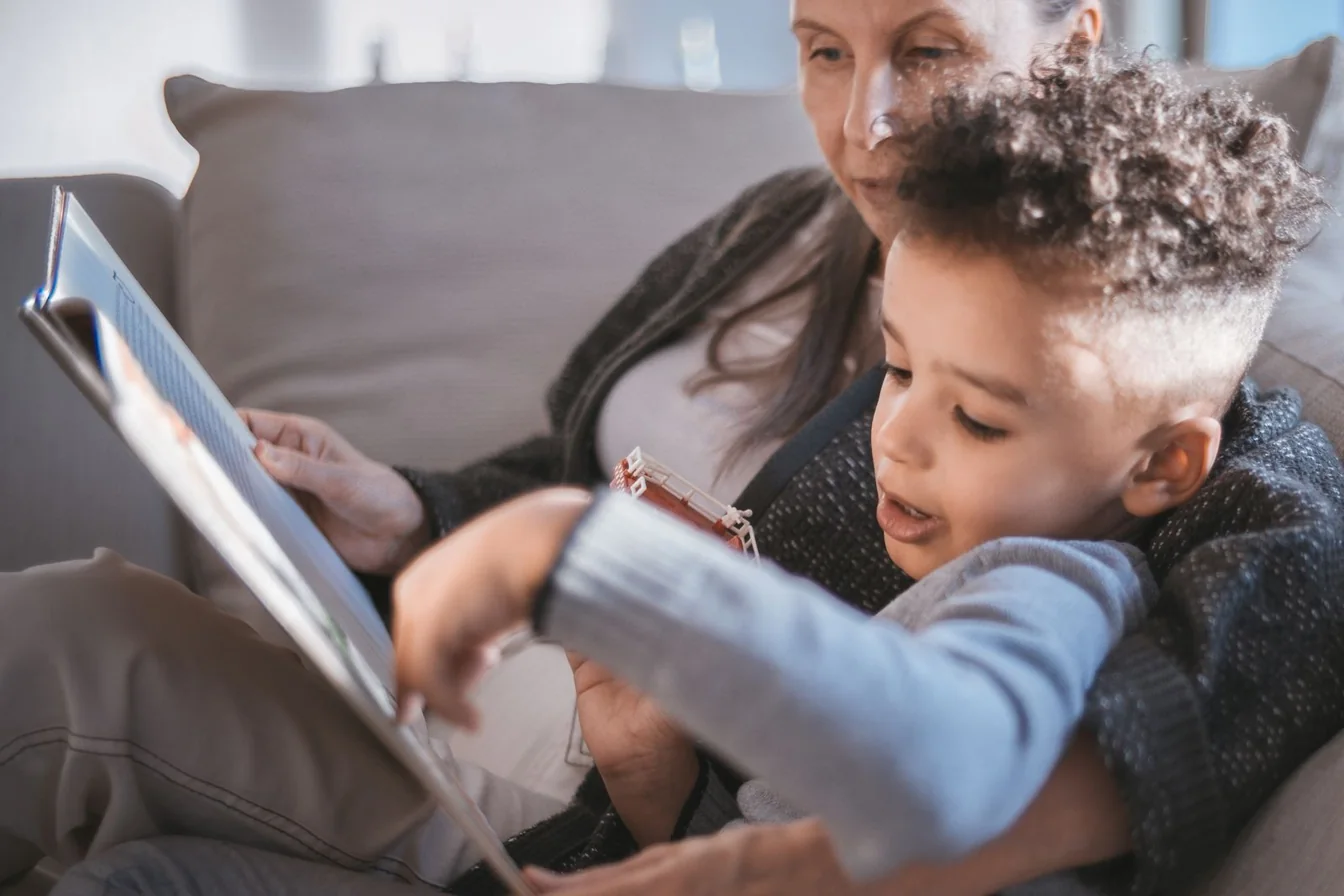
A card full of recordings from people your child loves is the best thing a Yoto does. It’s also the one that takes the most coordination, because the audio often starts on someone else’s phone.
There are two ways to record. The Yoto app has a recorder: in the Create tab, open My recordings, tap the red record button, then add the recording to a playlist. That works when the person reading has the Yoto app and your account. For everyone else, there’s the voice recorder already on their phone (Voice Memos on iPhone), and this guide is about getting that recording onto the card.
A gift for a new Yoto
Giving a Yoto this Christmas? A card of family recordings is the present that lasts. Before the day, ask grandparents, aunts and uncles to each record a favourite book or a song in their phone’s voice app and send it to you. Add them to a blank Make Your Own card, give each one a title and icon, and the card is ready to unwrap with the player.
Can I put a WhatsApp voice message on a Yoto card?
Yes. Share the voice message from WhatsApp to Quick MYO, the same way as a memo from Voice Memos, and it goes onto the card. Recordings sent by Messages or email work the same way. Here’s the whole family-recording workflow:
- Grandparent records in their phone’s voice app. Tip: read the book, but also say hello and the child’s name at the start. Kids replay that part.
- They send it to you — WhatsApp voice notes, Messages, email attachments, all fine.
- You add it to the card. This is where Quick MYO earns its keep: tap Share on the recording, then Quick MYO, and it goes onto the “Grandma Stories” card. No saving to Files, no hunting in the Yoto app.
How do I make a phone recording sound good on a Yoto?
- Phone mics are good. Room echo is the enemy — a bedroom with soft furnishings beats a kitchen.
- Keep a consistent distance from the phone.
- Don’t worry about small mistakes. Kids don’t.
- If the recording is quiet, Quick MYO Plus can even out the volume on your phone so it matches the rest of the card.
- Quick MYO Plus can also trim the start and end so the story is ready to play.
Titles and icons matter more here
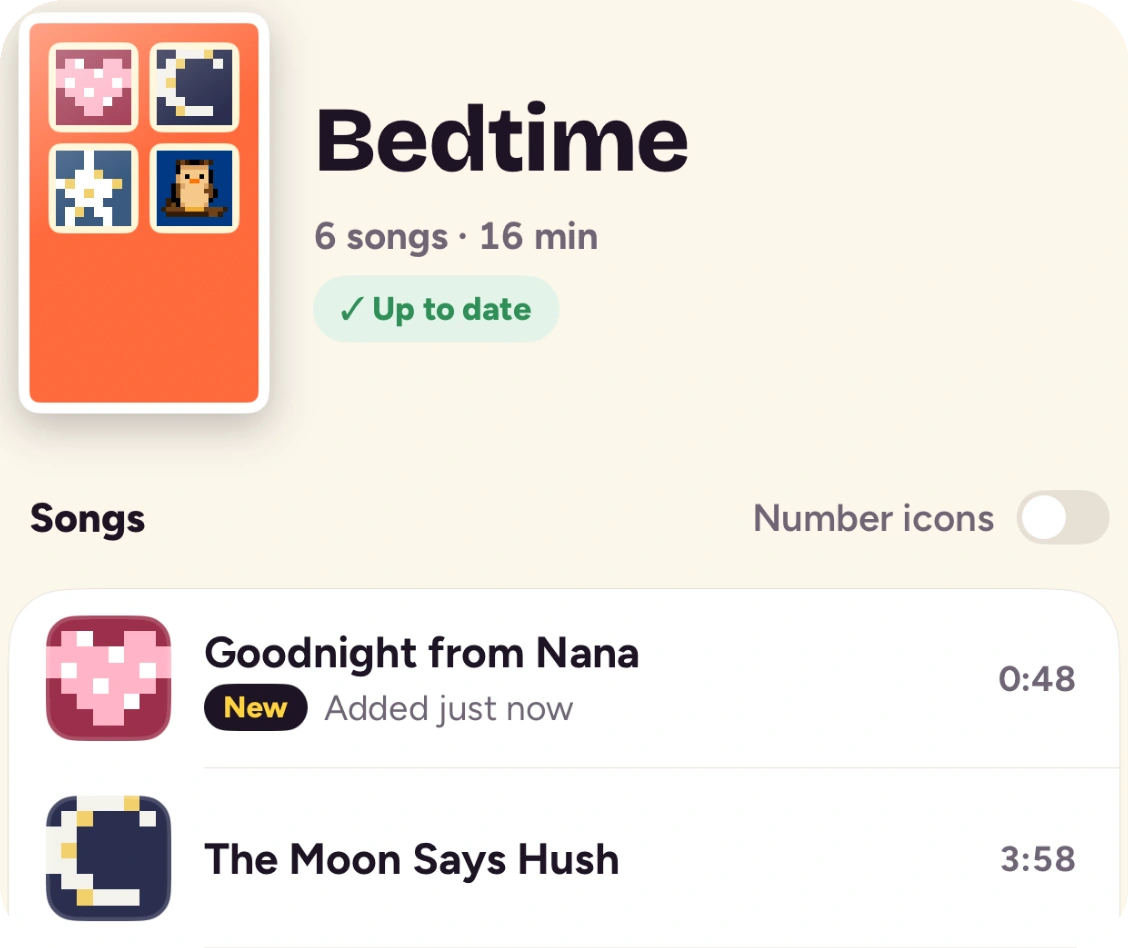
A card of voice memos with default names is a wall of “New Recording 7, New Recording 8”. Rename them as you add them. Quick MYO Plus’s Smart tidy suggests clean titles and a matching icon for each song, and nothing changes until you review and apply, so “Grandpa – Room on the Broom” can get a broom.
Can each grandparent have their own Yoto card?
Yes, and it’s a useful pattern: one Make Your Own card per person (“Grandma”, “Auntie Jo”) rather than one big card. Each person’s recordings accumulate on their card, and your child learns which card is whose. Quick MYO Free works with one card; Plus works with every card, and you pick the card as you share.
Frequently asked questions
Can a grandparent record a story on their own phone for our Yoto?
Yes. They record it in Voice Memos and send it to you by WhatsApp, Messages, or email. You then add it to the card from your phone. With Quick MYO, you tap Share on the received file and choose Quick MYO.
What format are voice memos?
iPhone Voice Memos are M4A files, and most Android recorder apps save M4A or MP3. Yoto supports both.
How long can a voice memo be for Yoto?
Yoto allows up to 60 minutes and 100 MB per track, so a 45-minute bedtime story fits. Longer recordings need splitting, and are easier for kids to navigate as chapters anyway.