 Quick MYO
Yoto Make Your Own guides
These guides answer parents' questions about Yoto Make Your Own cards: making cards, adding MP3s and voice memos, why Spotify songs can't go on a card, comparing apps, and fixing a card that isn't updating.
They cover Yoto's free app and website as well as Quick MYO, our independent iPhone and Android app. Quick MYO isn't made by or affiliated with Yoto. Looking for icons? See Yoto icons: free and homemade.
Make your own Yoto card
- How to make your own Yoto card (step by step)
How to make your own Yoto card: the blank card you need, how much fits, how to upload audio, add icons and link the card, and how to update it later.
- Best apps for Yoto Make Your Own cards (2026)
The Yoto app, MYO Studio, MYO Magic, Quick MYO and the free icon and label tools, compared: what each does, where it runs, what it costs.
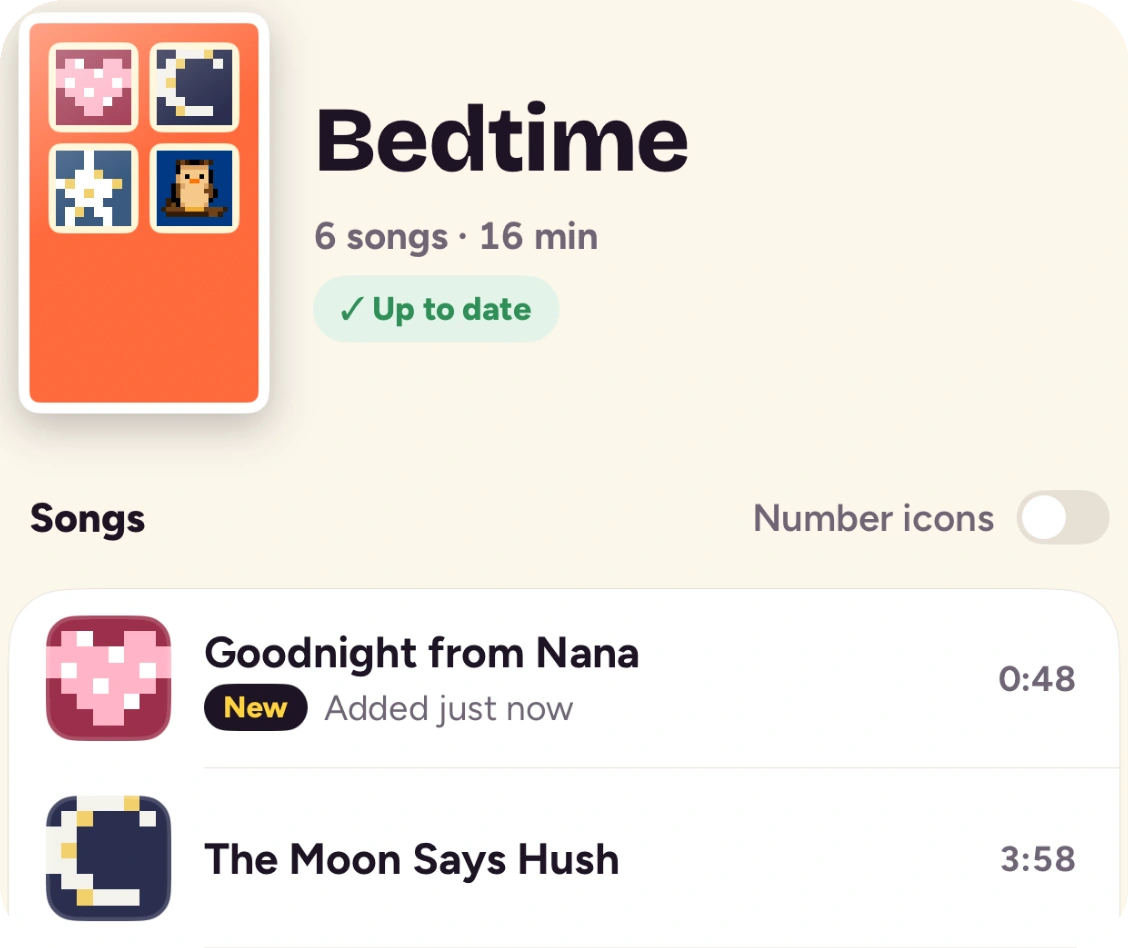
Add songs and recordings from your phone
- How to add music to a Yoto card from your phone
Three ways to add songs, MP3s and other audio from your iPhone or Android to an existing Yoto Make Your Own card, including sharing from the app it's in.
- How to record a story for a Yoto card
Record a bedtime story or message on your phone, or have a grandparent record one on theirs, and put it on a Yoto Make Your Own card. No computer needed.
- Can you put Spotify on a Yoto card?
No: Spotify, Apple Music and YouTube are streams, not files. Here's how to get the same songs onto a Yoto Make Your Own card legally, from your phone.
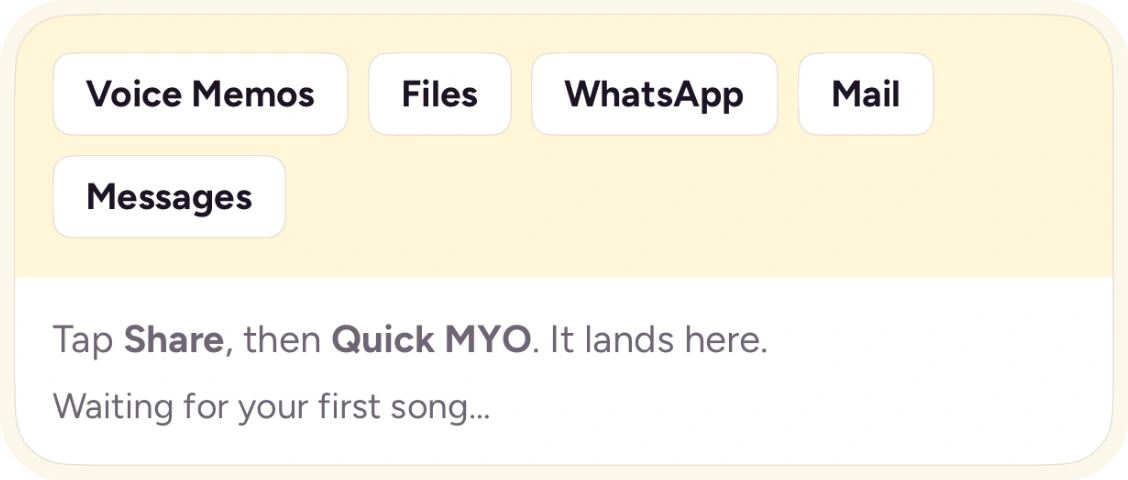

Fix a card that isn't updating
- Yoto Make Your Own card not updating? Fixes
New song not on your Yoto card, or the card plays old tracks? Four quick questions to find why your Make Your Own card isn't updating, and the fix.
Reading photo: Mikhail Nilov / Pexels.